Anime World APK Download for Android
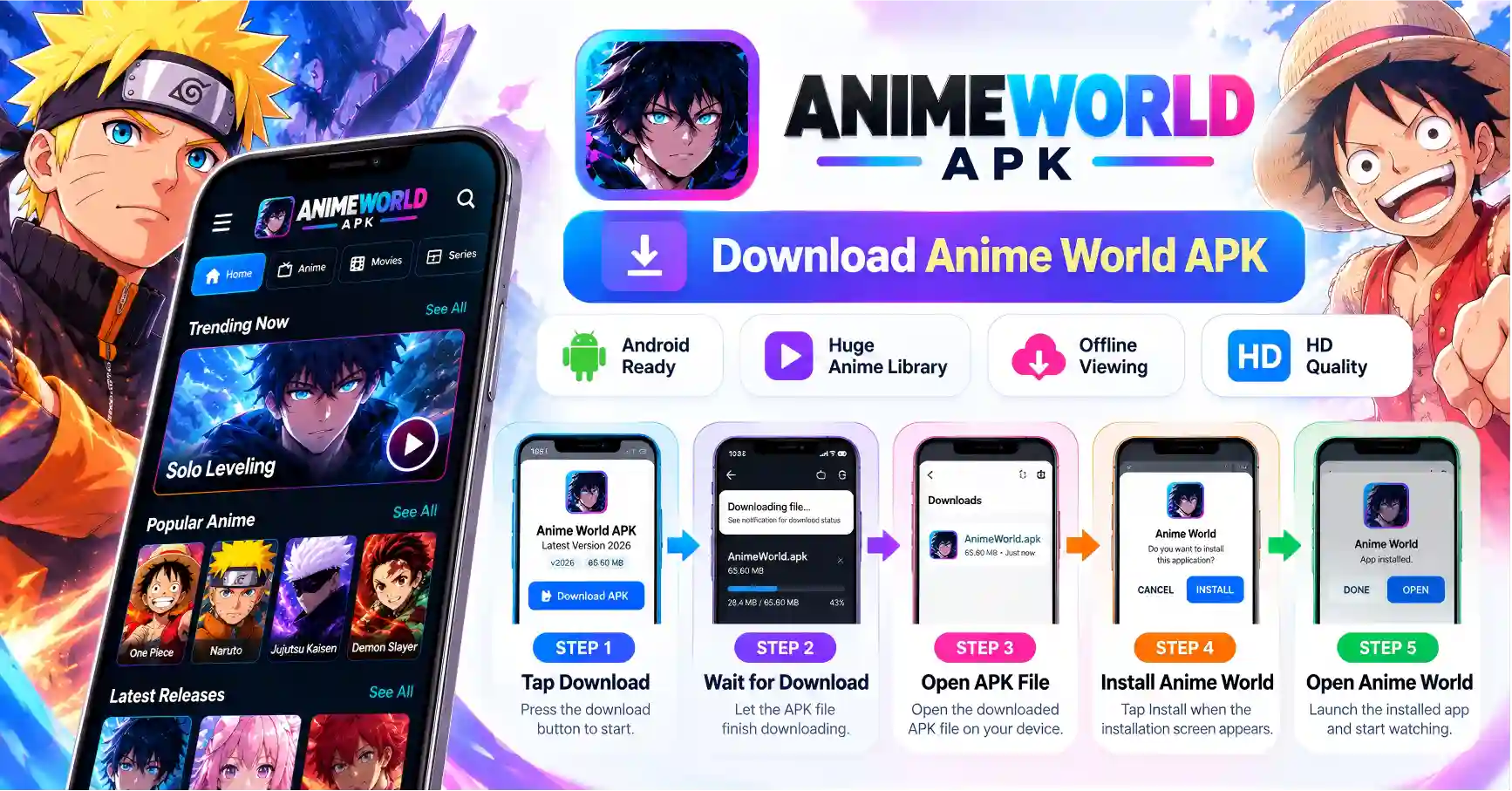
Get the Anime World APK download for Android and follow five simple installation steps. Download the file, complete the setup and open Anime World on your device.
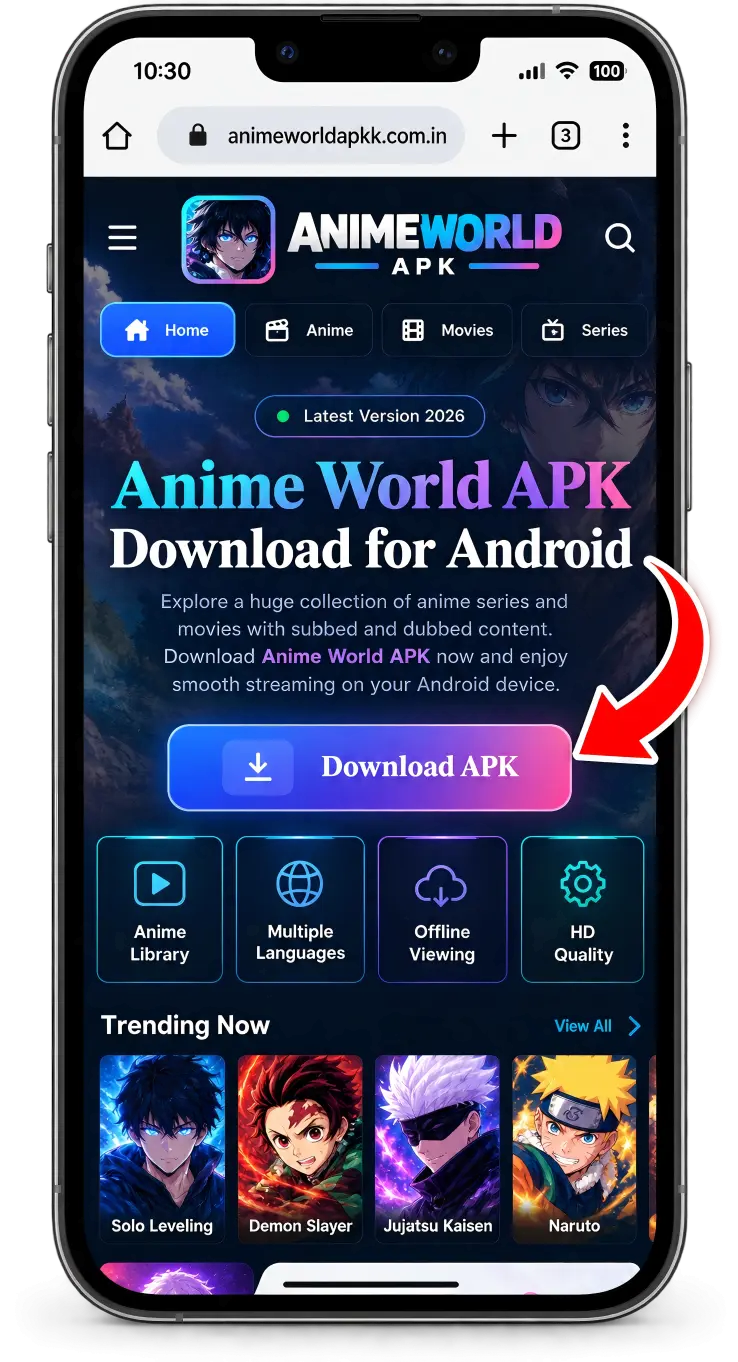
Press the download button to start downloading the APK.
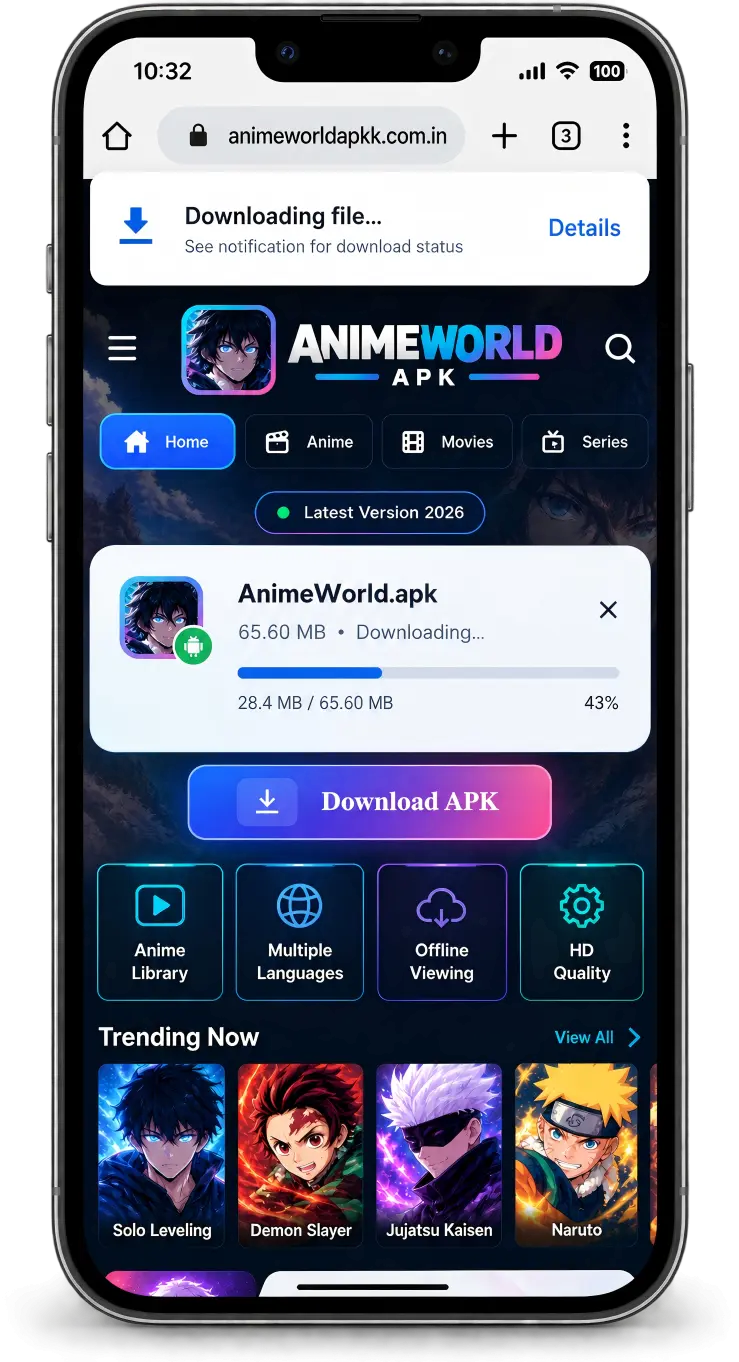
Let the Anime World APK finish downloading.
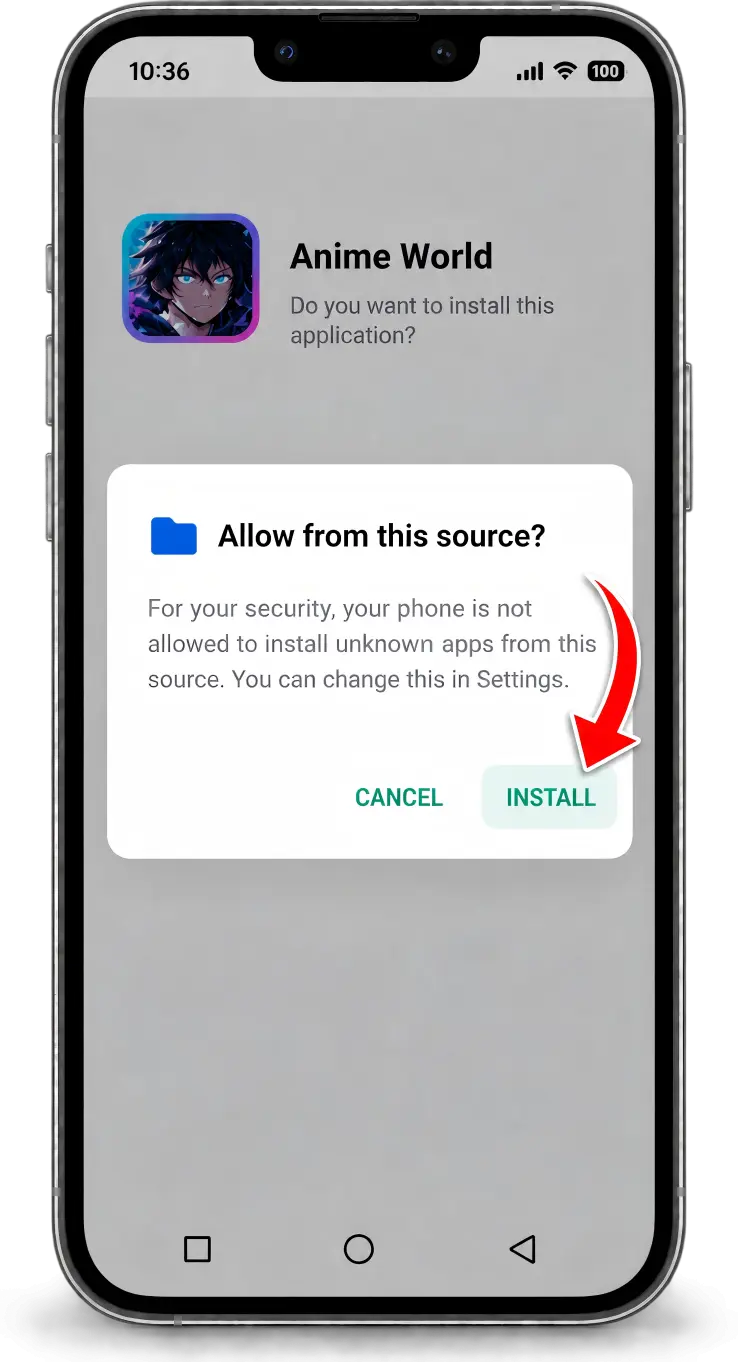
Open the downloaded APK file on your Android device.
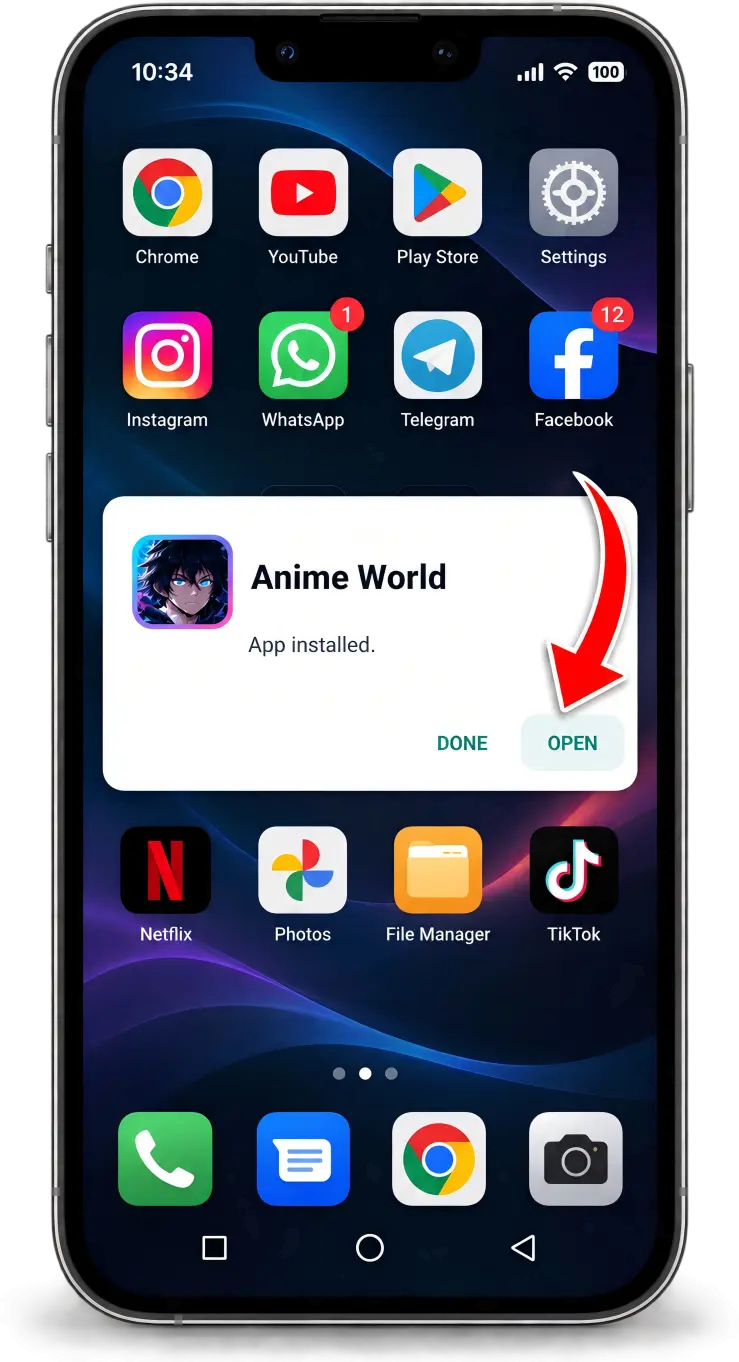
Tap Install when the Android installation screen appears.
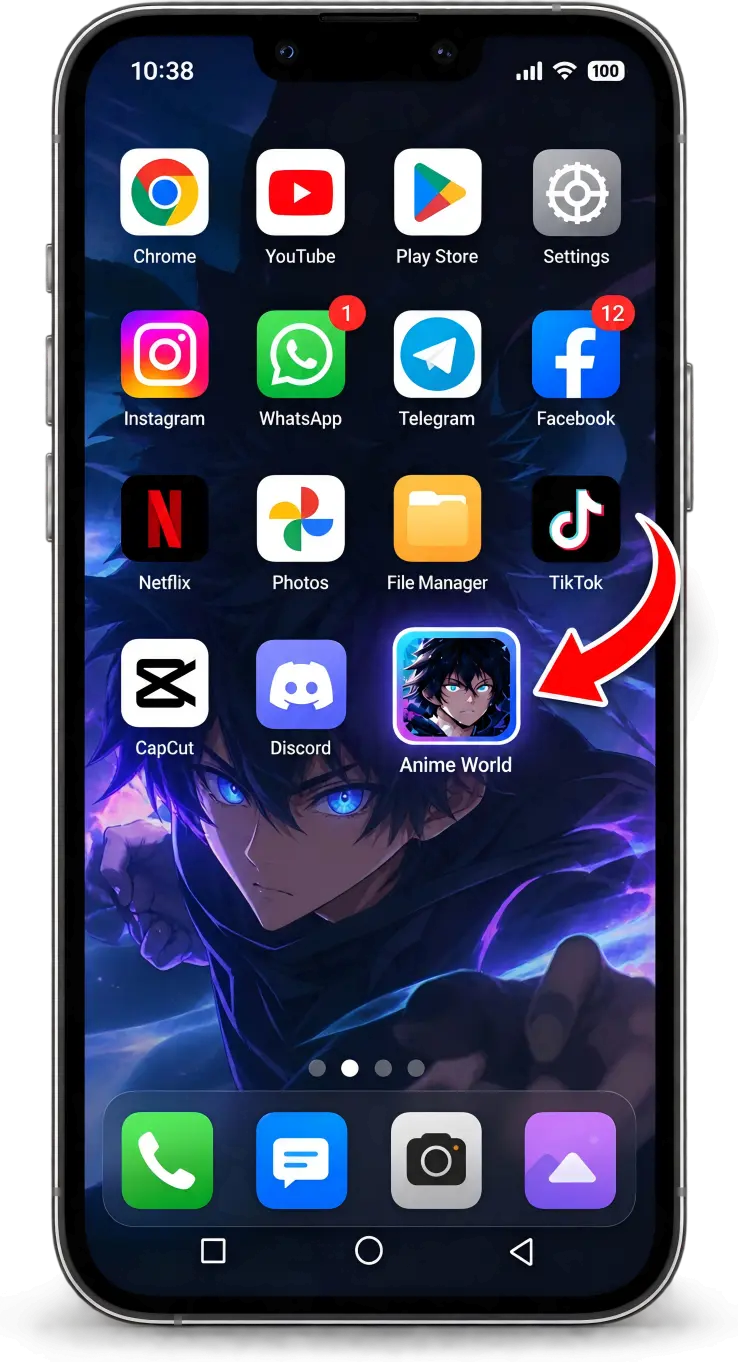
Launch the installed app and start exploring Anime World.
Anime World APK Download
The Anime World APK download is intended for users who want to manually install the anime application on a compatible Android device. Unlike an app installed directly from an official store, this type of installation requires the user to open the downloaded file and approve installation through Android when prompted. Before starting, check your Android version, available storage, and the source of the file. The supplied app information lists Android 6.0 and above as its stated system requirement. A stable internet connection is also useful while downloading so the file can finish correctly. The actual download button can be placed below.
Before Downloading Anime World
Before installing anything, make sure the phone has enough free storage and uses a compatible Android version. Check that the downloaded item is the file you expected and allow it to finish completely before opening it. Android may show a security message because the installation is taking place outside the normal app-store process. This is not a reason to ignore the warning. Read the message, check the source, and review the permissions shown during installation. The supplied article also recommends checking compatibility and file information before proceeding, especially when an application is installed manually.
How to Download and Install on Android
The installation process can be completed with these basic steps:
The supplied source describes the same general manual process: obtain the file, open it through the device, review permissions, and complete Android’s installation confirmation.
What to Do After Installation
Once installation is complete, open Anime World and allow the home screen to load. Review any permission requests before giving access, because not every permission should automatically be accepted. You can then browse the available categories or use search when you already know the anime title you want. Open a show, select an available episode, and use the player controls to begin watching. If video quality options are available, choose one that works well with your internet connection. Users who plan to save supported content for offline viewing should also check available storage, since downloaded episodes can take up additional space on the phone.
Anime World Download for PC
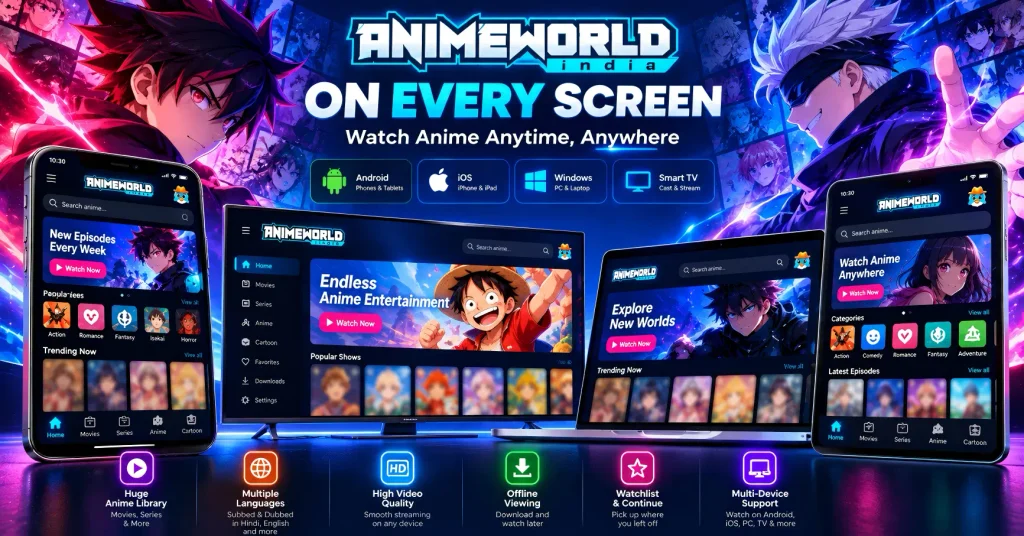
Anime World APK for PC does not install like a normal Windows .exe program because the file is designed for Android. Users who want to run a compatible Android version on a computer may use an Android emulator. Install a trusted emulator first and complete its basic setup, then use the emulator’s supported installation option to open the downloaded Android file. After installation, Anime World runs inside the Android environment created by the emulator. Performance can vary between computers, and the source material does not provide a separate native Windows edition. Therefore, emulator use should be viewed as an alternative method rather than a dedicated PC installation.
Anime World Download for iOS
An Android installation file cannot normally be used directly on an iPhone or iPad. Apple devices use a different application and installation system, so downloading the same Android file will not turn it into an iOS app. Users should look for an official iOS-compatible option if one is provided through a supported method. The supplied articles do not confirm a dedicated iPhone installation package, so no specific iOS download should be assumed. Users should also be careful with pages claiming that an ordinary Android package can install directly on an iPhone without an actual iOS-compatible version.
Common Download and Installation Problems
Installation problems usually have a few basic causes. If the file does not install, check available storage, Android compatibility, and whether the download completed correctly. If Android blocks the installation, confirm that permission has been given to the specific browser or file manager being used, rather than changing unrelated settings. When the app installs but does not load content, restart it and check the internet connection. Buffering during playback may improve by lowering the video quality or selecting another available streaming source. The supplied material describes multiple server sources as an option when one stream has loading problems.
Updating the App
A manually installed application may not always update in the same way as an app obtained through an official store. When a newer compatible release is available, users may need to download and install the updated file themselves. Before replacing the existing installation, check the source and make sure the new file is intended for your device. Do not assume that a newer release will automatically work better on an older phone, because compatibility can change between versions. The supplied article also recommends checking the source and version details when updating manually instead of installing files from random pages.
Download Safety and Permissions
Manual installation requires users to pay attention to Android security messages. Check where the file came from, make sure the download is complete, and read the installation screen before continuing. When the app first opens, review its permission requests instead of approving everything at once. Android also allows users to remove the installation permission from a browser or file manager later if they no longer need it. These steps are useful with any application installed outside an official store. The supplied source also advises users to verify file sources and requested permissions because safety cannot be decided from an application name alone.
FAQs
Getting Started
After the installation finishes, open the app, review its permissions, and allow the home screen to load before searching for content. Browse categories if you want to discover something new, or use search when you already know the title. Choose an available episode and adjust playback settings according to your connection when those options are provided. If a problem appears later, start with simple checks such as internet access, free storage, app restart, and device compatibility before reinstalling anything. Keeping the installation source and permissions in mind can also make future updates easier to manage.